Support
Contact us
Email contact@aiocean.io. It helps to include your phone model, your OS version, the app version shown in Settings and your generated name.
Questions
How do I fly?
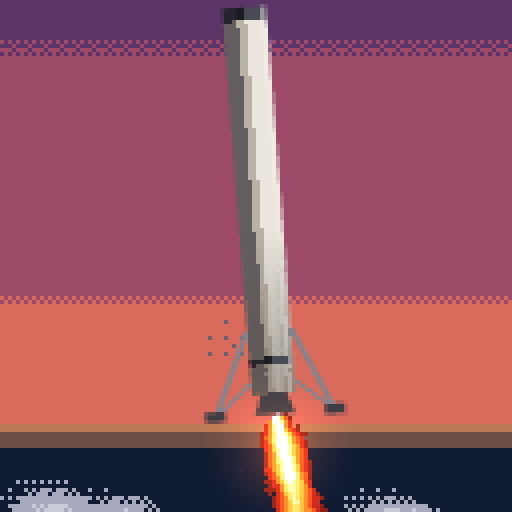
The bottom-left and bottom-right buttons lean the booster; let go and it returns upright. The middle button burns the engine: press near its top for full throttle and near its bottom for the lowest throttle. Tap the chip under the clock to speed up time while you coast; time drops back to real time for every burn and for the last 5 km. On a keyboard: Left and Right (or A and D) lean, Up, W or Space burns at full, Down or S burns at the lowest throttle, F warps time and Enter launches.
Why will my engine not start?
Each booster has three or four engine starts. Every start after separation uses one, and the HUD shows how many are left. When they are gone the engine shows "NO IGNITION" and cannot be lit again, so plan your burns.
How do I unlock the next booster?
Land a booster to unlock the next one. On a locked booster's card you can also tap "Unlock now: watch an ad" to unlock it after one rewarded video. If no ad is available the app says so and nothing changes.
What is my name on the leaderboards?
Each booster has its own all-time leaderboard. The app gives you a generated name, an adjective and an animal such as "BraveOtter"; you cannot type a name, so there is nothing to moderate. Other players see your generated name and your score. Our server flies every run again from your inputs and records only the score that replay gives.
How do I keep my progress on a new phone?
You play as a guest, and the account is tied to your phone; there is no sign-in to carry it over. If you set up the new phone from a device backup (Google's on Android, Apple's on iPhone), the app's data can come with it and you continue as the same guest with your unlocked boosters and best scores. A new phone set up without a backup starts a new guest account.
How do ads and consent choices work?
The only ad is a rewarded video you choose to watch to unlock a booster early. Ads are requested as non-personalised. Where the law requires it (European Economic Area, UK, Switzerland and some US states) the app asks for consent before the first ad, and you can change your answer in Settings, "Privacy choices". Details are in the privacy policy.
How do I report an ad?
Email contact@aiocean.io with what the ad showed and, if you can, a screenshot. We read every report.
What needs a connection?
Signing in as a guest, the leaderboards, the copy of your progress and the rewarded video use our game server or the ad service. If the connection drops, the app shows that it is reconnecting and carries on when the connection is back.
How do I delete my data?
Open Settings and tap "Delete my data". It removes your account on our game server, your scores and your cloud copy of progress, and clears the game data on your device. Without the app, use the delete your data page.